

For many small business owners, accepting online payments can feel more complicated than it should be. Traditional payment setups often involve developers, custom checkout pages, technical integrations, and ongoing maintenance. For entrepreneurs who are focused on customers, sales, and daily operations, spending time on complicated payment infrastructure is rarely practical.
No-code payment solutions have changed that equation. Modern payment tools allow business owners to create payment experiences without writing extensive code or building an entire checkout system from scratch. With stripe tools, entrepreneurs can create straightforward payment pages, share them with customers, and manage transactions through a centralized payment environment.
This approach can be especially useful for consultants, freelancers, coaches, local service providers, online sellers, event organizers, and small agencies. Instead of treating payment technology as a major technical project, businesses can approach it as another manageable part of their sales process.
What Are No-Code Payment Pages?
A no-code payment page is an online checkout experience that can be created and configured without traditional programming. Instead of hiring a developer to build payment forms, businesses can use visual settings and prebuilt payment components to collect customer information and payments.
The basic idea is simple: a business creates an offer, sets the appropriate price, chooses payment options, and provides customers with a convenient way to complete their purchase.
No-code payment pages can support different business models, including:
- One-time product purchases
- Service payments
- Deposits and booking fees
- Donations
- Event registrations
- Digital products
- Subscription-based services
- Custom invoices or payment requests
For a small business, the biggest advantage is accessibility. Someone who understands their products and customers but has limited technical knowledge can still create a functional payment experience.
Why Small Businesses Are Moving Toward No-Code Payments
Small companies often operate with limited budgets and smaller teams. A complicated payment system can create unnecessary expenses and operational delays. No-code tools reduce the amount of technical work required to start accepting digital payments.
With stripe, businesses can build payment workflows around their specific needs rather than developing every component independently. This can help owners launch faster while maintaining a more professional purchasing experience.
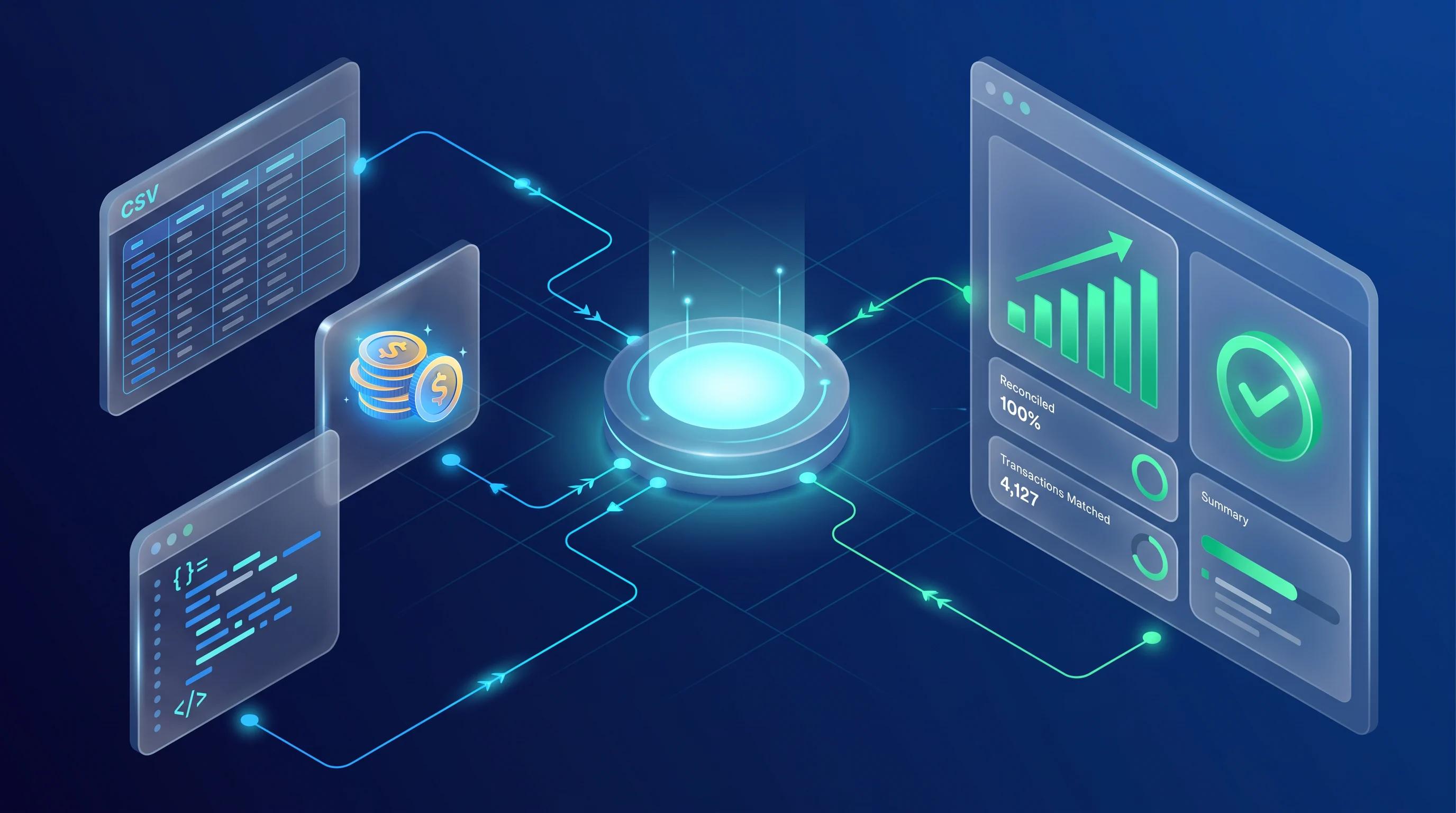
Another advantage is flexibility. A business may start with a simple payment page for one service and later expand into subscriptions, invoices, or multiple products. A no-code approach makes it easier to experiment without committing to a large software development project.
The benefits can include:
- Faster payment setup
- Lower initial development requirements
- Easier management
- Flexible payment options
- Reduced dependence on developers
- More convenient customer checkout
- Easier testing of new offers
For entrepreneurs validating a new business idea, this flexibility can be particularly valuable.
How Stripe Tools Support No-Code Payment Pages
The strength of stripe tools comes from combining payment functionality with configurable business features. Rather than requiring every business owner to build a payment system from the ground up, the platform provides tools that can simplify the process.
A typical workflow starts with defining what the customer is paying for. This could be a $50 consultation, a monthly membership, a workshop ticket, or a deposit for a professional service.
The owner then configures the relevant payment details and creates a customer-facing checkout experience. Depending on the business model, additional information such as customer details, billing information, or order information can be collected during checkout.
Once the payment page is ready, it can become part of a broader sales process. A business might place it behind a call-to-action on a landing page, send it to customers through email, or use it after a sales conversation.
Planning Your Payment Page Before Building It
The easiest way to create an effective payment page is to plan the customer journey first. A payment page should answer basic questions before asking customers to enter payment information.
Start by identifying exactly what the customer is purchasing. Avoid vague descriptions such as “Premium Package” when a clearer explanation can communicate the value immediately.
Consider these questions:
- What is being sold?
- What does the customer receive?
- Is the payment one-time or recurring?
- Is there a fixed price or multiple pricing options?
- What customer information is necessary?
- What happens immediately after payment?
- Does the customer receive confirmation?
- Are refunds or cancellations clearly explained?
The answers determine how the payment page should be structured.
For example, imagine a freelance designer selling a $300 brand consultation. Instead of creating a complicated ecommerce store, the designer could create a focused payment experience explaining the consultation, listing what is included, displaying the price, and giving the customer a direct way to pay.
Choosing the Right Payment Page Structure
A successful payment page does not need to be visually complicated. In many cases, simplicity improves conversions because customers can quickly understand what they are buying and how to complete the transaction.
A practical payment page can contain:
- A clear product or service name
- A concise description
- The total price
- Relevant payment information
- A prominent checkout action
- Basic business or support information
- Confirmation instructions
The page should avoid unnecessary distractions. If the customer arrives intending to purchase a specific service, sending them through several unrelated pages can create friction.
For small businesses, clarity is often more valuable than elaborate design. A clean payment experience communicates professionalism while helping customers finish their purchase quickly.
Building a Payment Experience Without Traditional Coding
The no-code approach is designed to remove much of the technical burden from payment setup. Instead of manually programming every payment field and transaction process, the business owner works with available configuration options.
With stripe, entrepreneurs can focus more on business decisions than programming details. They can determine pricing, product descriptions, payment frequency, and the information customers need to provide.
A basic setup process can look like this:
1. Define the Offer
Decide exactly what customers are purchasing. Give the product or service a clear name and establish its price.
2. Configure Payment Details
Choose the appropriate payment structure, such as a one-time charge or recurring payment.
3. Create the Checkout Experience
Use the available payment tools to create a customer-friendly checkout flow.
4. Review the Customer Journey
Check that the page clearly communicates the offer and does not request unnecessary information.
5. Test Before Launching
Complete test transactions and review what customers will experience from payment through confirmation.
6. Start Sharing the Payment Page
Once everything works correctly, integrate the payment experience into the business’s sales process.
This workflow allows owners to concentrate on customer experience rather than the underlying payment infrastructure.
No-Code Payment Pages Compared With Custom Development
Both no-code and custom payment systems can be useful, but they serve different needs. Small businesses should choose based on their operational requirements rather than assuming that a more technical solution is automatically better.
| Feature | No-Code Payment Page | Custom Payment System |
|---|---|---|
| Setup speed | Usually faster | Usually slower |
| Coding requirement | Minimal or none | Significant |
| Initial cost | Generally lower | Generally higher |
| Customization | Moderate | Extensive |
| Maintenance | Easier | More demanding |
| Best for | Simple to moderate workflows | Complex business systems |
| Developer dependency | Low | Higher |
A local consultant who sells a handful of services probably does not need a highly customized checkout system. A rapidly growing marketplace with unusual payment logic may eventually require more advanced development.
The important point is to match technology to business complexity.
Creating Better Checkout Experiences
A payment page is not simply a transaction form. It is part of the customer’s overall buying experience. If the page feels confusing, customers may abandon the purchase even when they are interested in the product.
Good checkout design starts with transparency. Display the price clearly and explain what the customer receives. If taxes, additional fees, or recurring charges apply, make the terms understandable before payment.

Mobile usability is also important. Many customers browse and purchase from smartphones, so payment pages should be easy to navigate on smaller screens.
Businesses should also avoid requesting information they do not genuinely need. Every additional field can add friction to checkout.
An effective payment experience should feel:
- Clear
- Trustworthy
- Fast
- Easy to understand
- Mobile-friendly
- Consistent with the business
These principles can matter just as much as the payment technology itself.
Using Payment Pages for Different Business Models
One of the most useful aspects of no-code payment tools is their adaptability. A business does not have to operate a traditional online store to benefit from digital checkout.
A consultant might use a payment page for an initial strategy session. A fitness instructor could collect payments for a short course. A photographer might request a booking deposit. A small software company could use recurring payments for memberships.
With stripe, businesses can create payment workflows that align with these different models without necessarily building a complete ecommerce platform.
For example, a wedding photographer could create separate payment options for a booking deposit and a final balance. A language tutor could create a recurring payment for weekly lessons. An event organizer could provide a direct payment option for workshop registration.
The same underlying concept can therefore support many types of small-business transactions.
Improving Payment Management and Business Efficiency
No-code payment pages can also reduce administrative work. When payments are handled digitally, business owners can spend less time manually coordinating transaction details.
A more organized payment process can help entrepreneurs track incoming revenue, monitor customer transactions, and maintain clearer financial records.
Automation can be particularly useful when a business begins receiving more customers. Instead of manually explaining payment instructions to every buyer, the owner can direct customers toward a consistent checkout experience.
This creates a repeatable process:
Customer discovers offer → Customer reviews details → Customer completes checkout → Payment is recorded → Customer receives confirmation → Business delivers service
Creating a repeatable workflow is one of the simplest ways for a small company to become more efficient without dramatically increasing staffing requirements.
Security and Customer Trust Matter
Payment convenience should never come at the expense of customer confidence. People want reassurance that their financial information is handled through a professional payment environment.
Using established payment infrastructure can reduce the amount of sensitive payment handling that a small business has to manage directly. However, business owners still need to follow good operational practices.
They should:
- Keep business information accurate
- Clearly communicate pricing
- Explain recurring charges when applicable
- Use strong account security
- Limit access to payment-related accounts
- Regularly review transactions
- Keep business policies easy to understand
Customers are more likely to complete payments when the overall experience looks legitimate and transparent.
Common Mistakes to Avoid
Even a technically functional payment page can perform poorly if its content or structure is weak.
One common mistake is providing too little information. Customers should understand the offer before reaching checkout. Another problem is excessive information that makes the purchasing decision harder.
Businesses should also avoid creating multiple confusing payment options when one straightforward choice would work better.
Other mistakes include:
- Hiding the final price
- Using unclear product descriptions
- Ignoring mobile users
- Forgetting to test the checkout process
- Requesting unnecessary customer information
- Failing to explain recurring billing
- Not checking confirmation messages
- Sending customers to an unrelated page after payment
The goal should be to remove uncertainty at every stage.
How to Optimize a No-Code Payment Page for SEO
Although checkout pages are primarily designed for transactions, the surrounding content can still benefit from basic SEO principles. Businesses can optimize relevant landing pages that introduce products or services before directing visitors to checkout.
Use descriptive page titles, natural keywords, clear headings, useful product information, and concise calls to action. Avoid stuffing keywords into payment-related content simply to influence rankings.
The strongest SEO strategy connects search intent with a useful offer. Someone searching for a specific service should land on a page that explains that service clearly and provides an obvious next step.
For small businesses, combining organic search visibility with a streamlined payment experience can create a more complete customer acquisition funnel.
Tracking Results and Improving Over Time
Launching a payment page should not be considered the final step. Business owners should observe how customers interact with the purchasing process and identify opportunities for improvement.
If many visitors reach the offer but few complete payments, the problem may be unclear pricing, weak messaging, unnecessary steps, or insufficient trust signals.
Testing different descriptions, pricing presentations, calls to action, or page layouts can reveal what works best for a particular audience.
The goal is not to make the page more complicated. It is to make every element more useful.
A small improvement in checkout completion can become meaningful when repeated across hundreds of transactions. This is why payment optimization should be treated as an ongoing business activity rather than a one-time technical task.
Future Opportunities for Small Businesses
No-code payment technology is becoming increasingly relevant as more businesses operate digitally. Entrepreneurs no longer need to build a full online store simply to accept payments for a service or product.
The combination of simple checkout tools, automation, digital marketing, and customer management can help small businesses operate with leaner teams.
stripe can fit into this broader shift by giving entrepreneurs access to payment capabilities that can support everything from simple purchases to more structured recurring business models.
As businesses grow, they can gradually introduce additional systems rather than investing in every feature from day one. This allows technology to evolve alongside the business.
Conclusion
No-code payment pages give small business owners a practical way to accept digital payments without turning payment setup into a major development project. The biggest advantage is not simply convenience; it is the ability to create a repeatable, professional purchasing experience with fewer technical barriers. For entrepreneurs, stripe tools can provide a foundation for building straightforward payment workflows around products, services, deposits, subscriptions, and other offers. When combined with clear pricing, strong customer communication, mobile-friendly design, and regular testing, these tools can make the path from customer interest to completed payment much smoother. The best payment page is rarely the most complicated one. It is the one that clearly explains the offer, inspires confidence, minimizes friction, and helps customers complete their purchase efficiently. For small businesses looking to modernize their payment process, a well-planned no-code approach can be a simple but powerful step toward better digital operations.