


Introduction
A smooth checkout experience can make online shopping easier and help digital stores convert more visitors into customers. When shoppers find a product they want, unnecessary form fields, confusing payment steps, and limited payment options can interrupt their journey. A reliable payment system helps businesses reduce these obstacles and create a more convenient purchasing process.
Stripe Payment provides digital businesses with payment processing tools that support online transactions, customizable checkout experiences, and different payment methods. Whether a company operates an ecommerce website, sells digital downloads, or offers subscription services, Stripe can help simplify how customers complete purchases.
However, faster checkout involves more than processing a card payment quickly. Businesses must also consider mobile usability, transaction security, payment failures, and customer trust. Understanding how Stripe works and how to configure it effectively can help digital stores build a checkout process that serves customers and supports sustainable growth.
What Is Stripe Payment and How Does It Work?
Stripe is a payment technology platform that enables businesses to accept and manage payments through websites, mobile applications, and other digital channels. Depending on the business model and location, merchants can support card payments, digital wallets, and other available payment methods.
When a customer purchases something from an online store, the payment process generally involves several steps. The customer selects a product, enters payment information or chooses a supported payment method, and submits the transaction. Stripe securely processes the payment request, communicates with relevant financial institutions, and returns a result to the merchant.
If the transaction succeeds, the store can confirm the order and begin delivering the product or service. If the payment fails, the checkout interface can explain the issue and offer another attempt when appropriate.
Businesses can integrate Stripe using its application programming interfaces, hosted checkout options, or compatible ecommerce platforms. The appropriate method depends on technical resources, customization requirements, and the desired customer experience.
Why Faster Checkout Matters for Digital Stores
Checkout is a critical stage in the customer journey because shoppers have already invested time selecting products. Complicated payment procedures can create frustration precisely when customers are ready to buy.
A streamlined checkout removes unnecessary steps while preserving essential information and security checks. For example, a digital store selling design templates might allow customers to purchase a download without creating an account first. This approach makes the transaction more direct and reduces friction.
Faster checkout can also benefit businesses by improving operational efficiency. Clear payment confirmations reduce uncertainty, while automated transaction records make order management easier. When payment information is organized properly, customer support teams can investigate transaction issues more efficiently.
Nevertheless, a shorter checkout does not guarantee higher sales. Product pricing, shipping costs, website performance, customer confidence, and the quality of the offer also influence purchasing decisions. Stripe provides useful payment infrastructure, but businesses must optimize the complete shopping experience.
Key Stripe Payment Features That Support Faster Transactions
Stripe offers several features that can help digital stores simplify payment collection and management.
- Hosted checkout: Stripe Checkout provides a prebuilt payment interface that businesses can integrate into their websites. It reduces the need to develop every payment component independently.
- Payment Elements: These customizable interface components allow developers to build payment forms that fit a website’s design while using Stripe’s payment infrastructure.
- Digital wallets: Depending on device, browser, merchant configuration, and customer location, supported wallets can let shoppers pay without manually entering all their card details.
- Saved payment methods: With appropriate customer consent and configuration, businesses can support returning customers who want to reuse eligible payment details.
- Subscription billing: Stripe Billing helps businesses manage recurring payments, making it useful for membership websites and software services.
- Payment authentication: Supported authentication flows, including applicable 3D Secure checks, help merchants meet relevant security requirements.
Not every feature is available in every country or for every business. Merchants should check current eligibility, supported payment methods, and applicable fees before choosing their implementation.
Choosing the Right Stripe Checkout Integration
The integration method affects development time, flexibility, and the amount of maintenance required. A suitable choice allows businesses to balance customization with reliability.
Stripe Checkout is often a practical starting point for stores that want a ready-made payment page. It provides a structured checkout experience without requiring merchants to build the entire payment interface from scratch.
Payment Elements may suit businesses that need checkout to remain closely integrated with their website. Developers can customize the surrounding experience while using Stripe components to collect payment details.
For example, a small online course provider might choose hosted checkout to launch quickly. A larger digital marketplace with a distinctive purchase journey might prefer a more customized integration.
| Checkout option | Best suited for | Main consideration |
|---|---|---|
| Stripe Checkout | Small and growing digital stores | Less control over the complete interface |
| Payment Elements | Stores needing customized payment forms | Requires more development work |
| Ecommerce platform integration | Businesses using supported store software | Depends on platform compatibility |
| Subscription integration | Memberships and recurring services | Requires billing and renewal configuration |
The best option is the one that meets customer needs without introducing unnecessary technical complexity.
How to Optimize Stripe Payment for Mobile Checkout
Mobile shoppers often expect to complete purchases using a small screen and minimal typing. A checkout designed primarily for desktop computers can become frustrating when customers must zoom in, navigate crowded forms, or repeatedly enter information.
Start by using a responsive layout that adapts to different screen sizes. Payment fields should be easy to identify, buttons should be comfortable to tap, and instructions should remain readable without excessive scrolling.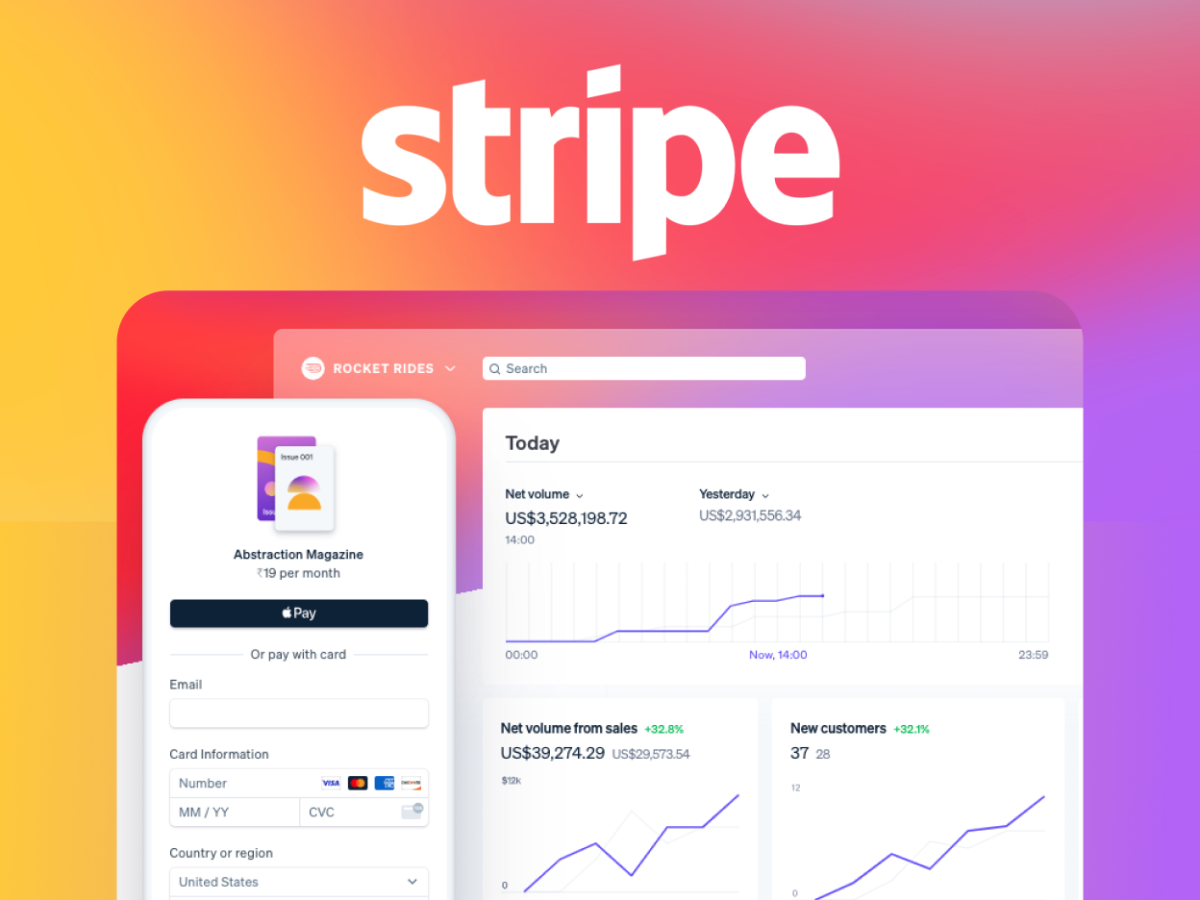
Enable supported digital wallets when they suit your audience. Wallet payments may reduce manual entry, although availability depends on the customer’s device, browser, wallet setup, and your Stripe configuration.
Keep the checkout focused on essential information. If an account is not necessary before purchase, consider offering guest checkout. Collect additional details later when they are genuinely required.
Test the entire transaction on several devices. Check how payment forms behave, whether error messages are understandable, and whether customers can return to the checkout after correcting an issue. Mobile optimization should focus on real usability rather than appearance alone.
Security and Customer Trust During Payment
Customers need confidence that their financial information will be handled appropriately. A professional checkout should communicate reliability without overwhelming shoppers with technical explanations.
Stripe provides payment infrastructure designed to support secure transaction processing. Its hosted checkout and payment components can reduce the need for businesses to handle raw card details directly, depending on the integration. However, merchants remain responsible for their own systems, account security, and applicable compliance obligations.
Use HTTPS across the website, protect administrative accounts with strong authentication, and restrict access to payment-related information. Keep integrations and dependencies updated, and follow Stripe’s guidance for handling payment results.
Authentication requirements may introduce an additional step for some transactions. These checks can be necessary for regulatory compliance or fraud prevention, so removing every verification step is not an appropriate optimization strategy.
Clear order summaries, recognizable business information, transparent pricing, and understandable refund policies also build trust. Customers are more likely to feel comfortable when they know exactly what they are purchasing and what happens after payment.
Reducing Payment Failures and Checkout Friction
A checkout can look simple and still perform poorly if transactions fail frequently or customers do not understand how to recover from errors.
Businesses should monitor payment outcomes and investigate recurring problems. Failures may result from incorrect card details, insufficient funds, issuer decisions, authentication requirements, or other transaction restrictions. Not every decline can be resolved by the merchant.
Display useful error messages instead of vague notifications. If a card is declined, explain that the customer can try another payment method when appropriate. Avoid suggesting that a transaction succeeded until the payment status has been confirmed.
Use supported payment status events and webhooks to keep order records synchronized with Stripe. This is particularly important when payment confirmation occurs asynchronously. A customer returning to a website is not, by itself, proof that payment succeeded.
For eligible recurring transactions, Stripe’s billing tools can support retry and recovery workflows. Merchants should configure these carefully and communicate with customers respectfully.
Measuring Checkout Performance and Customer Experience
Optimization works best when businesses evaluate actual customer behavior instead of relying on assumptions. Track relevant events throughout the purchasing journey, including checkout starts, payment submissions, successful transactions, and abandoned sessions.
Calculate conversion rates consistently. For example, compare completed purchases with checkout sessions started during the same reporting period, while accounting for repeat attempts and differences in measurement methods.
Review results by device, traffic source, product type, and payment method where appropriate. If mobile customers experience more failures, investigate the mobile interface and payment compatibility. If a particular payment method performs poorly, examine its availability and error patterns before removing it.
A/B testing can help evaluate changes such as fewer form fields, clearer button labels, or alternative checkout layouts. Change one meaningful element at a time when practical, and gather enough observations to avoid overreacting to random variation.
Avoid measuring speed alone. A fast interface that confuses customers or produces unreliable order confirmations is not a successful checkout experience.
Common Mistakes to Avoid When Using Stripe Payment
Several implementation mistakes can undermine an otherwise effective payment setup.
First, avoid collecting unnecessary customer information. Every additional field can create friction, particularly on mobile devices. Request only the information needed to complete the transaction or meet legitimate business requirements.
Second, do not assume that enabling every available payment method automatically improves conversion. Select methods based on your audience, geography, transaction type, and operational needs.
Third, never rely exclusively on the browser’s success page to fulfill orders. Verify payment status using the appropriate server-side integration and event handling.
Fourth, avoid hiding important costs until the final step. Unexpected fees, taxes, or delivery charges can weaken trust and cause customers to abandon purchases.
Finally, do not ignore testing after updates. Changes to website themes, plugins, payment settings, or integration code can affect checkout behavior. Regular testing helps identify problems before they affect a large number of customers.
Conclusion
Stripe Payment can help digital stores create faster, more convenient checkout experiences by simplifying payment collection and supporting flexible integration options. Hosted checkout, customizable payment components, eligible digital wallets, and subscription tools give businesses practical ways to serve different customer needs.
However, successful checkout optimization requires more than selecting a payment processor. Stores should prioritize mobile usability, transparent pricing, secure transactions, clear error messages, and reliable payment confirmation. They should also monitor performance data and test improvements regularly.
By choosing an appropriate Stripe integration and removing unnecessary obstacles from the purchasing journey, digital businesses can make online payments easier for customers while maintaining reliable operations. A thoughtful checkout experience supports customer confidence and gives stores a stronger foundation for long-term growth.